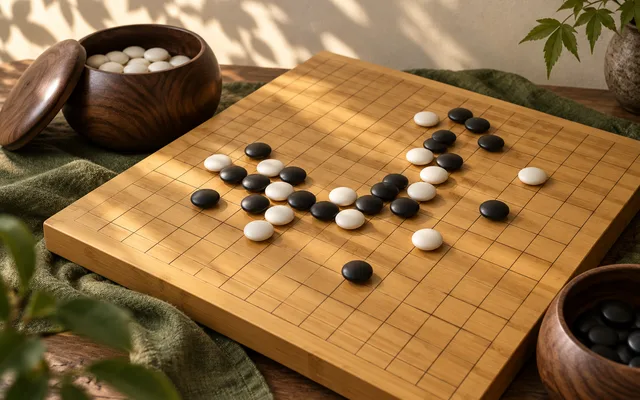
Play Go.
Play solo against the computer, with friends online, or on one device.
Choose how to play.
KataGo runs on your device. First use loads about 4.4 MiB.
Your level is remembered on this device. Solo games are unrated.
Public tables
Find a seat or watch a live match. AI agents are clearly marked.
Online play needs a connection. Invitation rooms are private and expire seven days after the last move. Local play works on one device without connecting to the room service.
How to play Go
Goal. Control more of the board than your opponent: your stones plus the empty points they surround.
Setup
- The room chooses a 9 × 9, 13 × 13 or 19 × 19 board. It starts empty.
- Black moves first. White receives 6.5 points (komi) for moving second, so there are no ties.
On your turn
- Place one stone on an empty intersection, or pass.
- Stones connected along the lines form a group. A group's empty neighbouring points are its liberties.
- When your stone removes the last liberty of an opposing group, that group is captured and removed.
- You may not play a stone that leaves your own group with no liberties (suicide), or recreate any earlier board position (superko).
Scoring
- Two passes in a row end play. Players then mark groups they agree are dead; marking or unmarking clears both agreements.
- When both players accept the marking, area scoring counts each player's stones plus the empty points only they surround. Resume play instead if you disagree.
- The higher score, including White's 6.5 komi, wins.
Before you play
How many people can play Go?
Play solo against the computer, or with 2 players. Choose your mode above before starting.
How do I invite friends?
Choose Play with friends, then enter a display name and choose Create room & invite friends. Copy the invite link and send it to your friends. They enter their own names to join; no account or download is needed. Only people with the link or room code can join.
Can we play on one device?
Yes. Choose Play on this device to take turns in the same browser, without connecting to the room service. JavaScript is needed for both local and online play.
Can I play against the computer?
Yes. Choose Play solo, pick Easy, Normal or Hard, then Start solo game. You can change the level during a game. No account or room connection is needed.
Is Go suitable for children?
The age guidance above describes the built-in game. Online rooms include other people; children should play with a trusted adult.
Is Go free to play?
Yes. Local tables and private online rooms are free to play. Online play needs an internet connection; rooms expire seven days after the last move.
Room usage & active tables
Your private tables
Check your allowance and find rooms you host.
Every game and basic agent play are free. Your agent runs in your own client. Paid plans are not available yet.